Play GTA 6 on
your phone or PC.
Grand Theft Auto VI runs on our PS5. You book 30 minutes and play it live on your Android phone or Windows PC. ₹200 a slot. No console or game to buy.
It is 12:00 am where you are
Next slot opens at 12:00 am, in 1 min
One game. Grand Theft Auto VI.
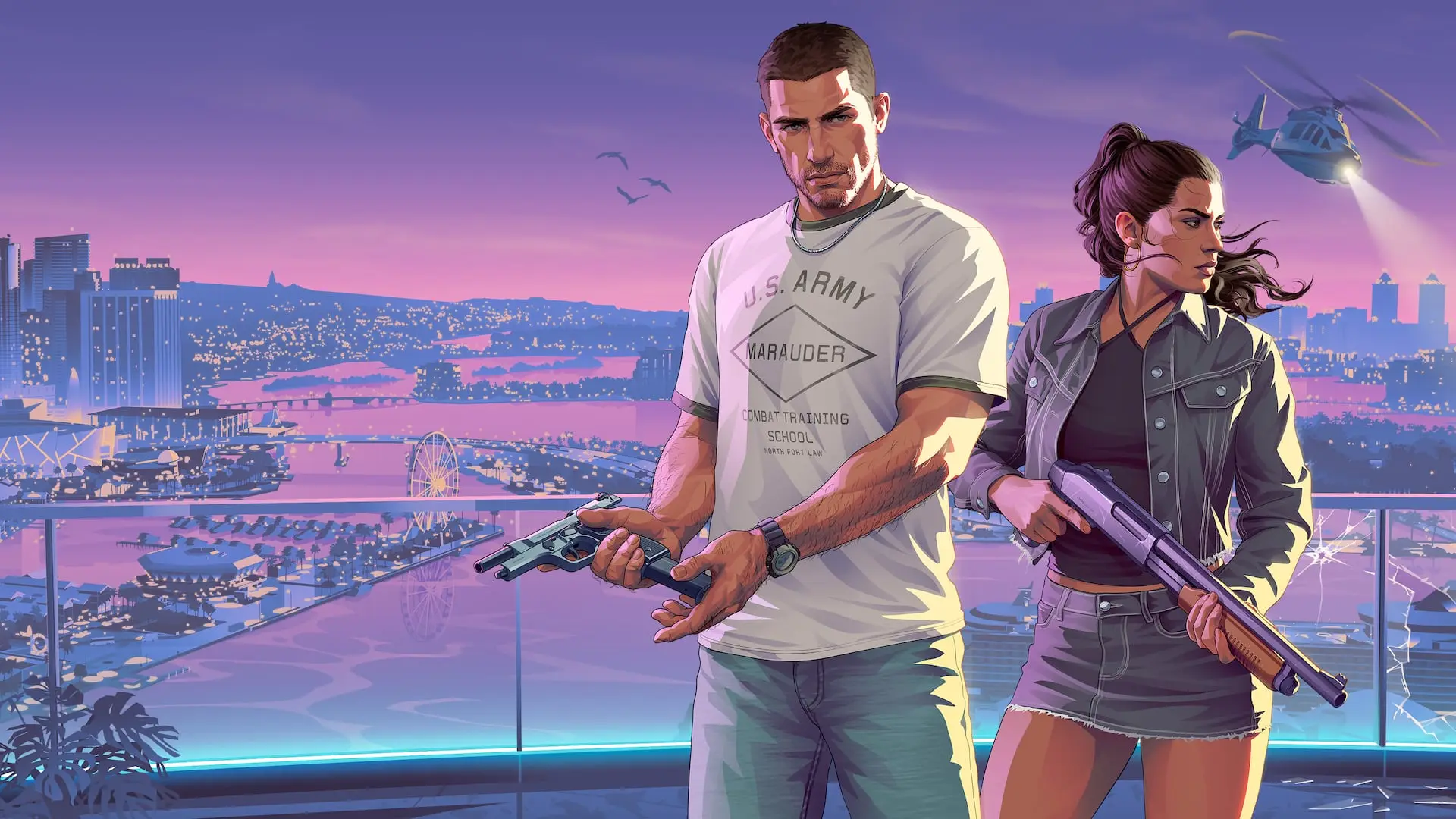
Vice City and the whole state of Leonida, running on a real PlayStation 5. For your half-hour the console is yours alone: drive, fly, explore.
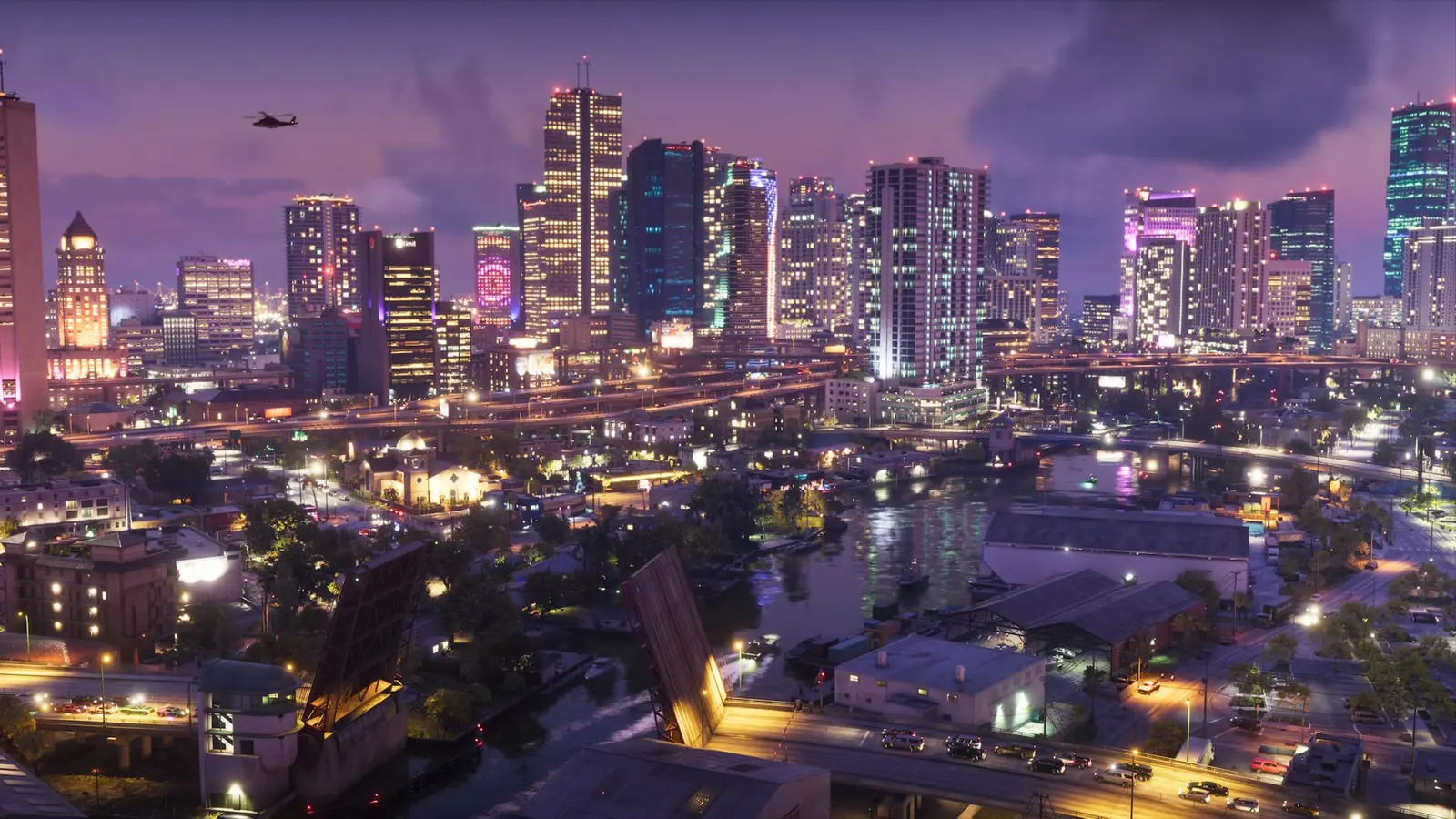
Vice City at night 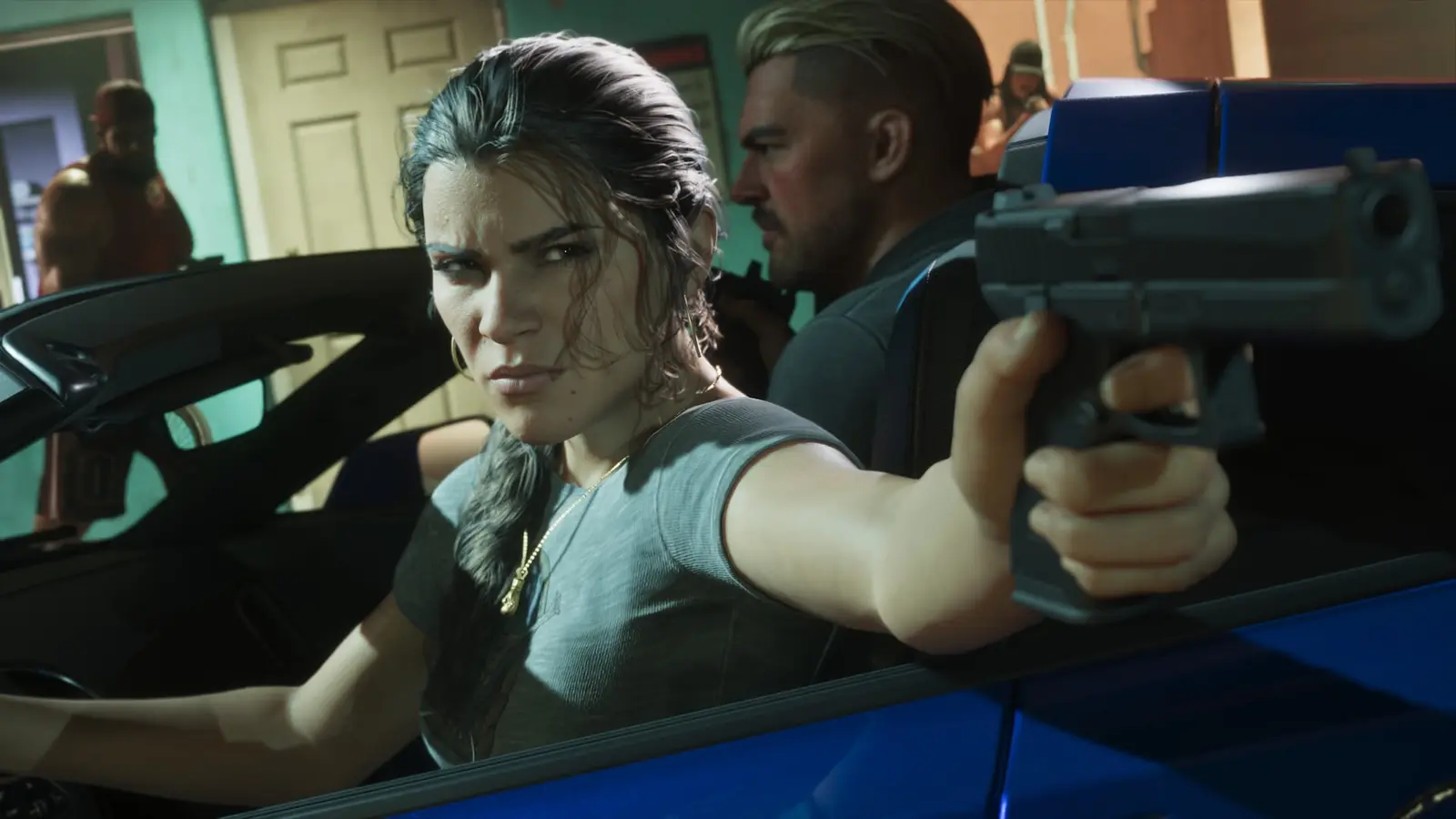
Lucia Caminos 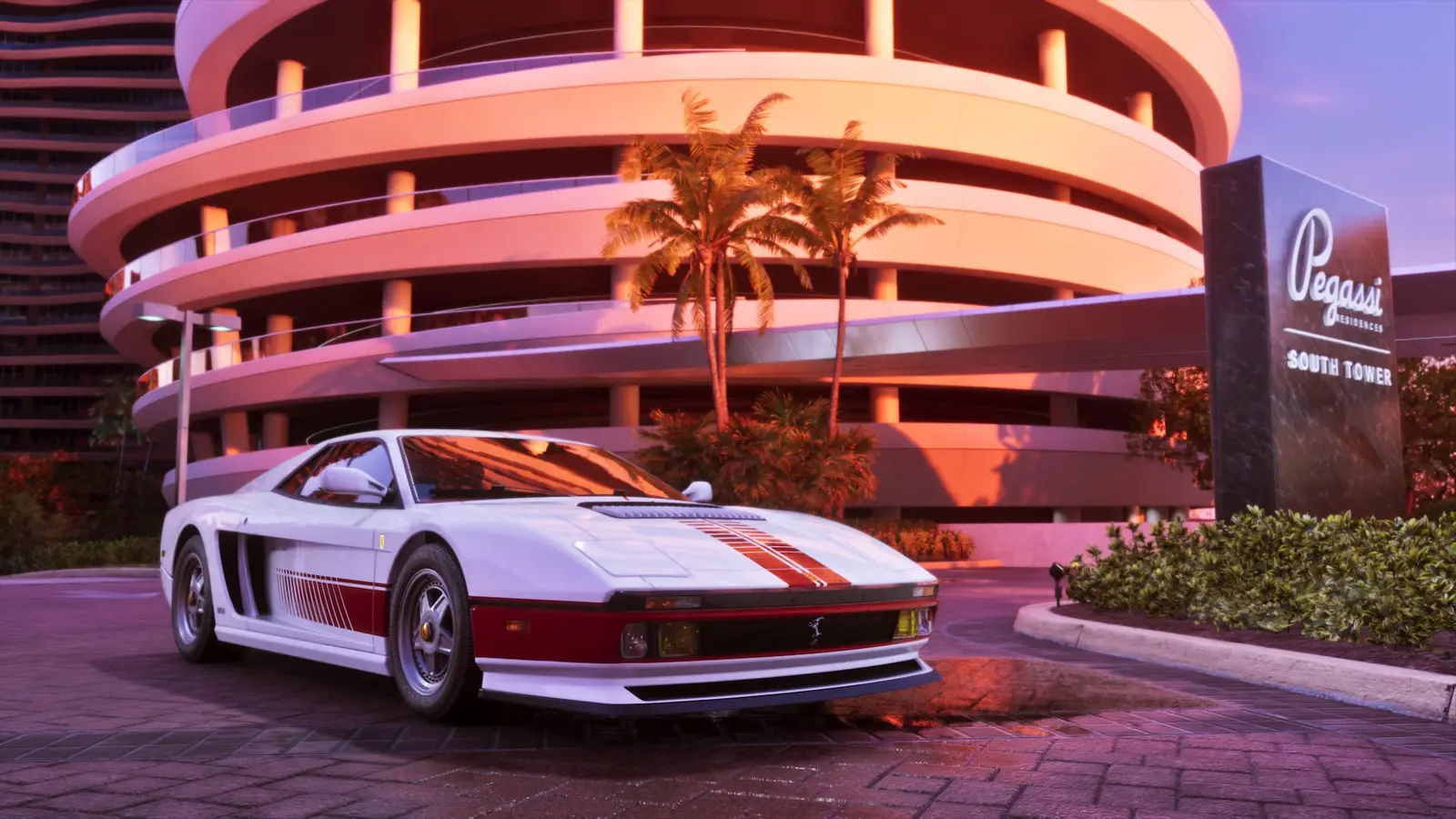
The Grotti Cheetah
Pictures: Rockstar Games.
From download to playing, in five steps.
Get the app
Download the app for Windows or Android and open it. Nothing else to install on your side.
MarksverseMarksverse-Setup-0.1.6.exeVersion 0.1.6 · 143 MB- Open the downloaded file.
- It installs and starts the app.
Pick a half-hour
Today is cut into 48 slots. The ones already gone are locked. Choose a free one and it is held for you for five minutes.
MarksverseEvening30 min · ₹2004:00 pmPassed4:30 pmPassed5:00 pmTaken5:30 pm6:00 pmYours6:30 pm7:00 pmTaken7:30 pm8:00 pmPay ₹200
One price for every slot, any time of day. During early access the payment step is a test, so no money moves yet.
MarksverseConfirm your slotDayTodayTime6:00 pm – 6:30 pmPrice₹200Held for you for 4:52Pay ₹200Enter your slot code
Paying gives you a slot code. Type it into the app and that half-hour belongs to this PC. Booked inside the app? Then you can skip this.
MarksverseHave a slot code?You got it when you paid. Enter it once on this PC.Slot codeKS-7F3K-9Q2M-XW4PUse this codePlay until the clock runs out
When your slot starts, press Play. The console opens full screen on your PC, and at 00:00 it closes and the next slot begins.
MarksverseTime left30:00Stop sessionThe game fills your screen. At 00:00 it closes by itself.
Get the app
Download the app for Windows or Android and open it. Nothing else to install on your side.
Pick a half-hour
Today is cut into 48 slots. The ones already gone are locked. Choose a free one and it is held for you for five minutes.
Pay ₹200
One price for every slot, any time of day. During early access the payment step is a test, so no money moves yet.
Enter your slot code
Paying gives you a slot code. Type it into the app and that half-hour belongs to this PC. Booked inside the app? Then you can skip this.
Play until the clock runs out
When your slot starts, press Play. The console opens full screen on your PC, and at 00:00 it closes and the next slot begins.
- Open the downloaded file.
- It installs and starts the app.
Two ways to play GTA 6.
- On your Android phoneInstall the app, pair a controller or use the touch buttons, and play on the sofa or in bed.How to play GTA 6 on Android →
- On your Windows PCAny Windows 10 or 11 PC or laptop. No gaming graphics card needed. Controller or keyboard and mouse.How to play GTA 6 on PC (Windows 10 and 11) →
Four things on your side.
Check these before you book. If one is missing, the half-hour will not feel good.
- An Android phone or a Windows PC
- Android 8 and newer, or Windows 10 and 11. Mac and iPhone are not ready yet.
- A controller, if you have one
- An Xbox or PlayStation pad works best. The PC app also takes keyboard and mouse, and the phone app has touch buttons.
- Fast internet
- 20 Mbps or more, on cable or 5 GHz Wi-Fi.
- To be in India
- The console is here. The farther you are from it, the more delay you feel.
Price
₹200for 30 minutes.
- The console is yours alone for the whole slot.
- GTA 6 is already installed and up to date.
- Your slot is held for five minutes while you pay.
- No membership and no minimum. Book one slot or come back tomorrow.
Straight answers.
Can I really play GTA 6 on Android or a Windows PC?
Yes. Grand Theft Auto VI runs on our PlayStation 5 in India. The Marksverse app shows its picture on your phone or PC and sends your controls back. You play the real game, live.
Is there a GTA 6 version for PC or Android?
No. Rockstar released GTA 6 for consoles only. This is not a download of the game: you play our console from your own device.
Do I need to buy GTA 6 or a PS5?
No. The console and the game are ours. You pay ₹200 for a 30-minute slot and nothing else.
Is my progress saved?
Not yet. Every session starts from the same save, so treat a slot as free roam rather than a way through the story.
Why is there no login?
Early access keeps it simple: the app remembers your bookings. Accounts arrive together with real payments.
How much delay is there?
It depends on your connection and how far you are from the console. We are still measuring and have not published numbers, so try one slot before planning an evening around it.
Windows warns me about the app. Is that expected?
Yes. The early-access app is not code-signed yet, so Windows shows a warning and on some PCs blocks it. A signed build is planned.
Can I book two slots in a row?
Not yet. You can hold one booking at a time. Back-to-back slots are planned.
Get the app. Pick a slot. Play.
Early access. The Windows app is not code-signed yet, so Windows shows a warning before it opens, and some PCs block the installer. The zip version is there for those.
The Android app is not on Google Play yet. Your phone asks once to allow installing it from your browser.
- Version
- 0.1.6 · 22 Nov 2026
- File
- Marksverse-Setup-0.1.6.exe · 143 MB
- Works on
- Windows 10 and 11 (64-bit)
- SHA-256
- 6c8fb6f3f9b1…1db921a2
Windows blocked the installer? Get the zip version (188 MB)
- Version
- 0.1.2 · 22 Nov 2026
- File
- Marksverse-0.1.2.apk · 11 MB
- Works on
- Android 8 and newer
- SHA-256
- c8c2f82eb387…497f8fd0
Built on the open-source Moonlight player (GPL). Source code